Tune in · VideoStreaming Screen
Turn any screen into your channel.
Install VideoStreaming Screen on your Android TV, Fire TV or Android device and that screen becomes your channel, on air 24/7. Everything comes from your panel; the screen just transmits.
The app · a receiver
You program in the panel. The screen transmits.
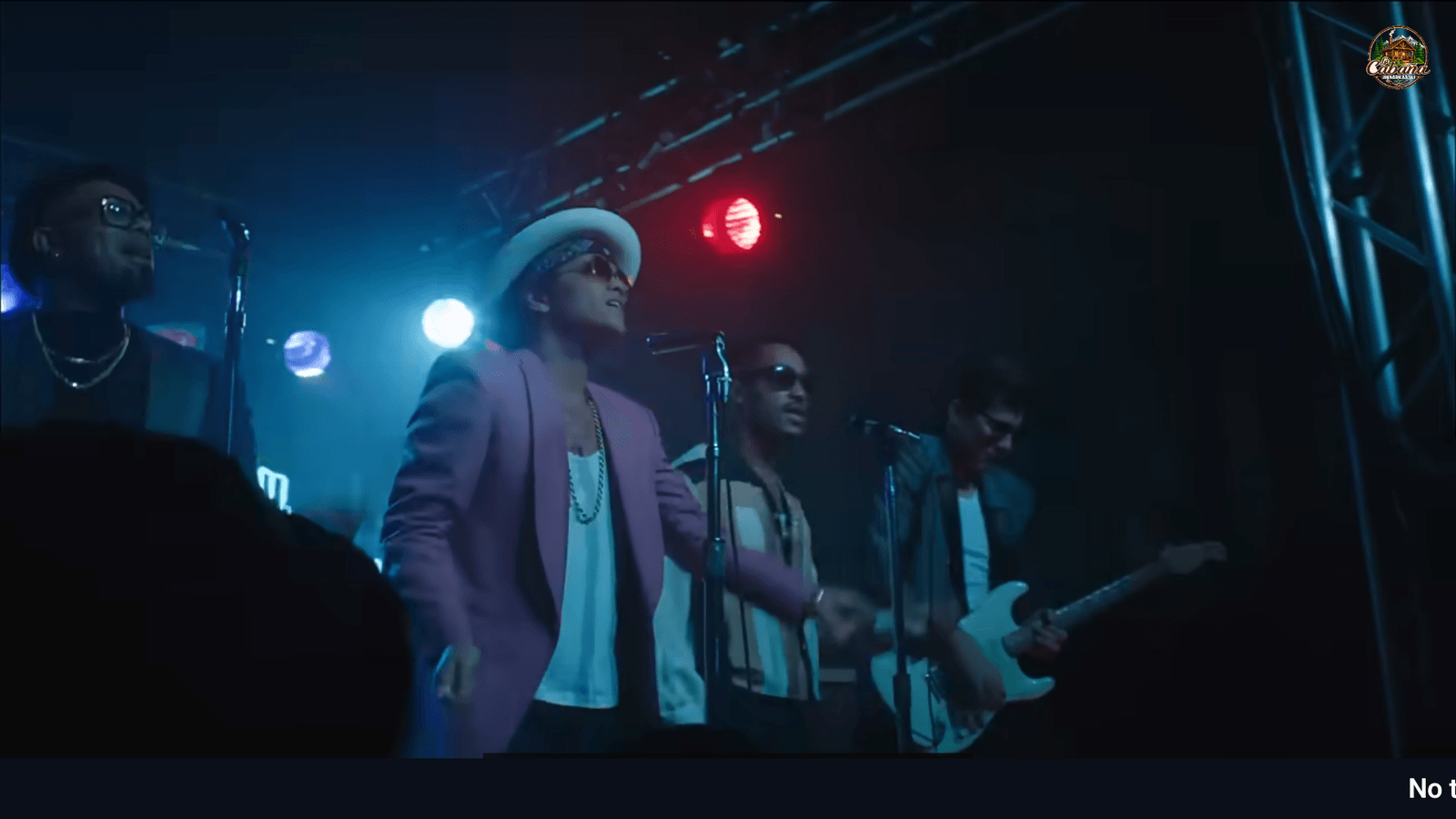
VideoStreaming Screen works like a receiver: all the programming, your brand and the design are set in your panel (app.videostreaming.net). There is nothing to configure on the device.
Connecting a screen
Two ways to tune in.
Pick whichever suits you. Either way, the screen remembers the channel — you never set it up again.
Tune in a channel
On the screen you type your channel’s 6-character code —it’s in your panel— and it starts playing right away.
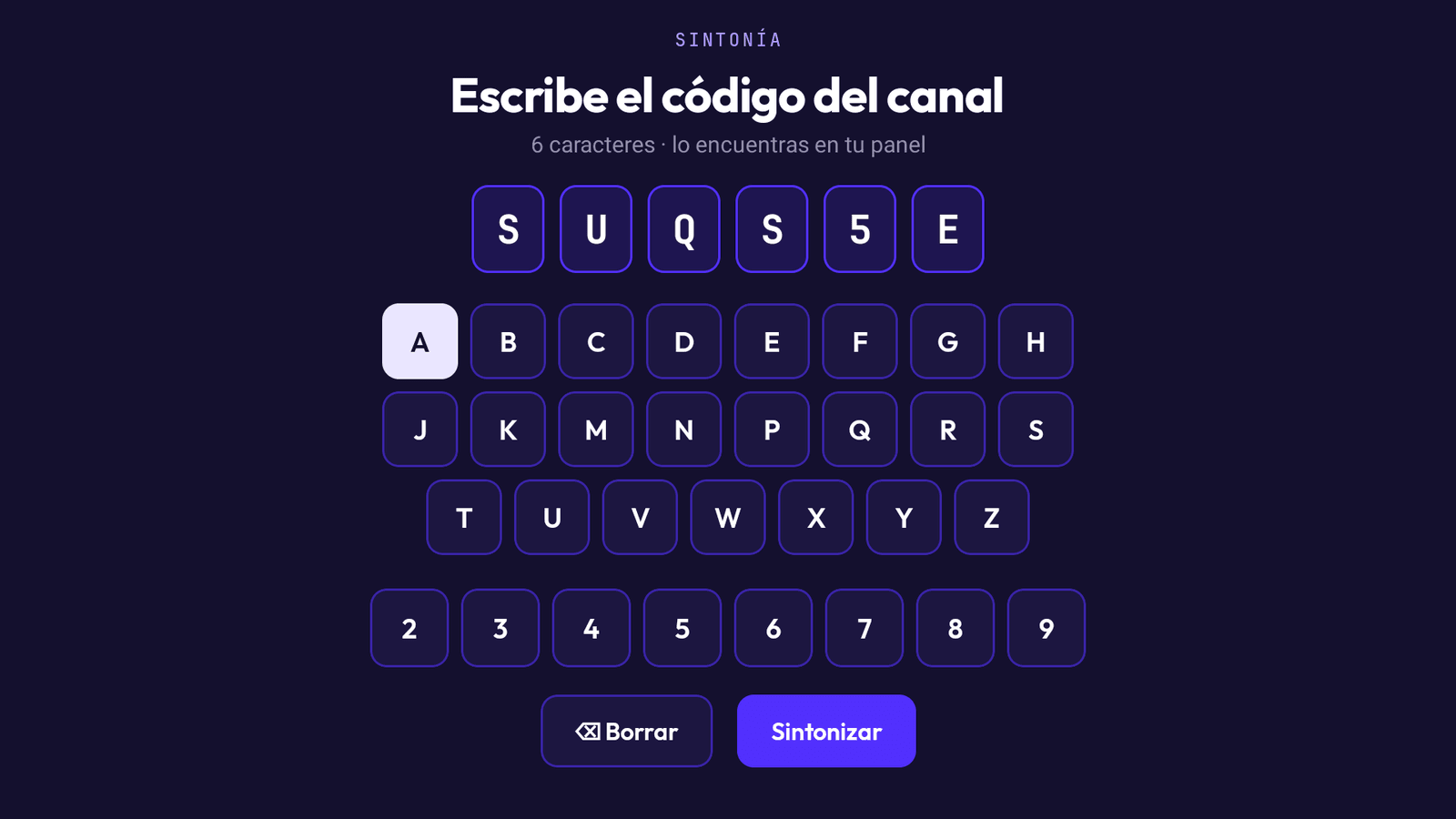
Fast — for one screen, right there
Link this screen
The app shows a code on the TV; you type it into your panel to link that screen to your account.
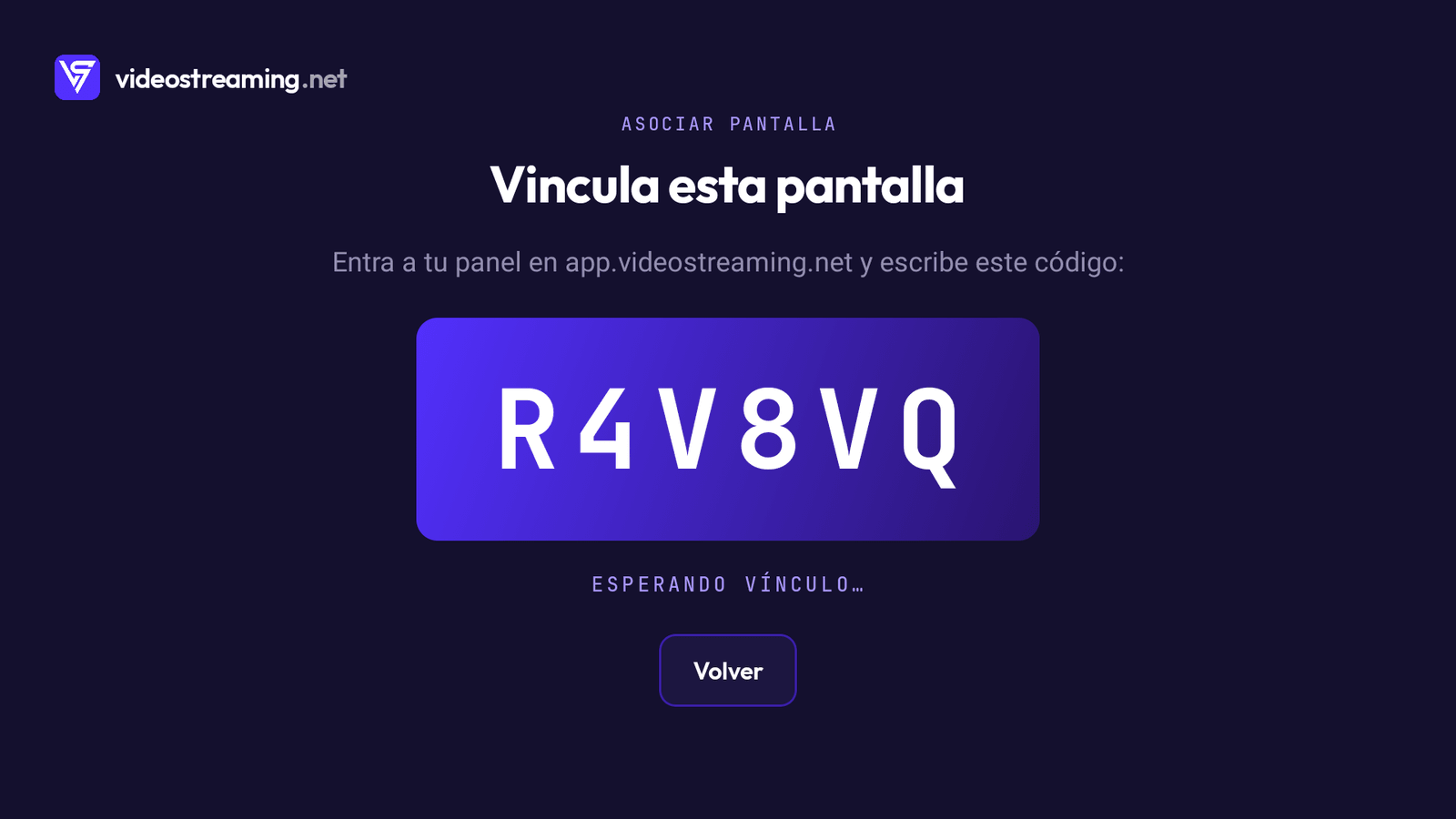
Best for linking several screens from the panel
The code is 6 characters (letters and numbers, no confusing ones).
Live, from your panel
Control everything without touching the TV.
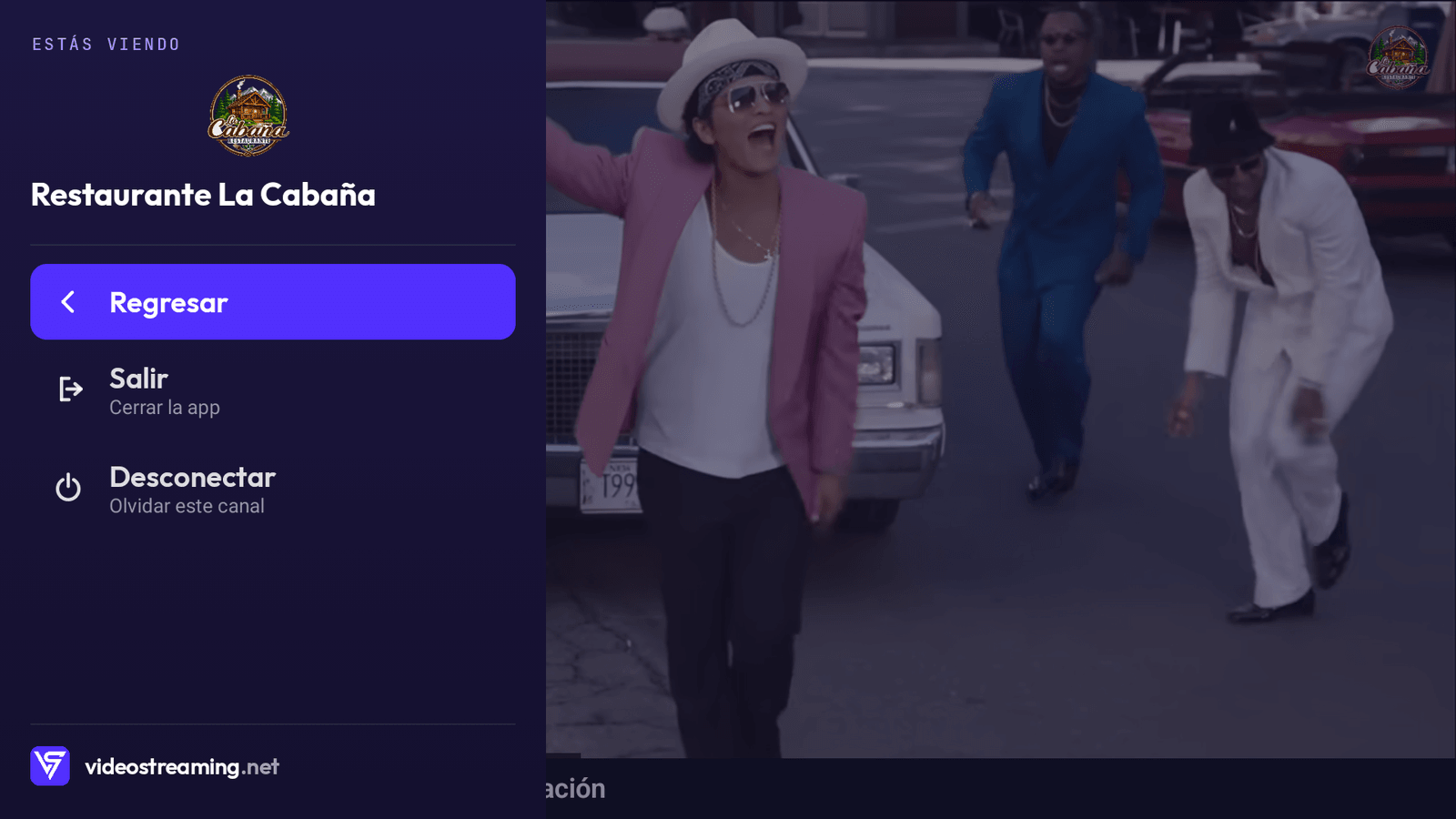
On your channel you get your brand —logo, now-playing label, lower third— and your Apps. You turn each one on, off or schedule it from your panel, and the TV reflects it in seconds.
Your Apps, on the screen
These are real marketplace Apps: you activate them and they show on the connected screen — and the library keeps growing. See all the Apps →
Where it runs
Made for your screens.
The Screen app on your smart TV or media box.
The Screen app on an Amazon Firestick — any TV becomes smart.
The same app on your phone or tablet.
Install it free on your Android TV, phone or tablet:
On Fire TV: install it from your Firestick.
No app? Your channel also plays in any browser with internet (great for a quick look, or on iPhone). Unlimited screens — billed per channel, not per screen.
Device questions
Doubts about screens.
What’s the difference between the two ways to connect?
“Tune in a channel” is fastest for a single screen: you type the code on the TV. “Link this screen” shows a code you enter in your panel — handy for setting up several screens from one place, without typing on each TV.
Does it work on Samsung, LG or Roku?
Through the TV’s browser, yes (or plug in a Firestick). The native VideoStreaming Screen app is on Android TV, Fire TV and Android.
What about Apple TV or iPhone?
You watch through the browser (web). The Screen app is on Android for now; on Apple devices you use the web player.
Do I need internet on every screen?
Yes. It’s a live signal in the cloud, so every screen needs a stable connection. On power-on it resumes on its own.
How many screens can I run?
As many as you want. Billed per channel, not per screen — the same signal on all of them at once.
Turn a screen into your channel.
Free, no card. Build your channel today and connect your first screen in minutes.