LIVE · The shop channel
The channel for your shop.
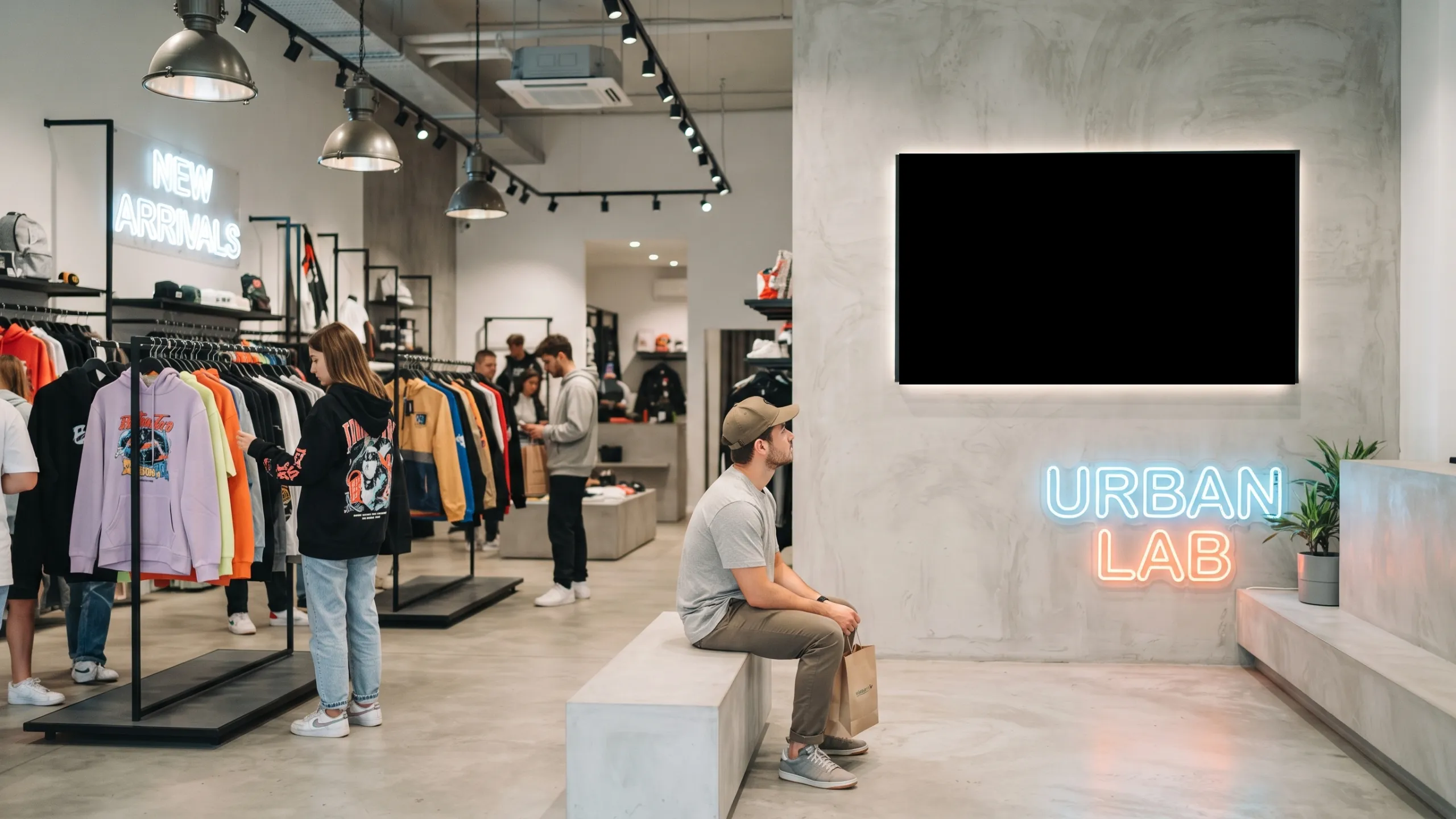
From a single store to a chain or a shop in the mall: turn your screens into a channel that sets the mood at the point of sale and pushes what you want to sell. Deals, new arrivals and your brand, on air all day.
The opportunity
Your screens —or those printed posters— are off today or repeat the same old thing. They could be selling.
The advantages
What a shop gains with its channel.
Putting your channel in the business isn't decoration: it works for you on several fronts at once.
Show the deal of the day right where the customer decides to buy.
The store feels alive; customers stay longer and browse more.
Upload a deal and it appears instantly on every screen, without walking the floor.
Changing a price or a poster takes seconds, not a trip to print.
How it works
This is how you put it on air.
Nothing to install, all from the browser. You decide what airs and when; we keep it on air for you.
Arrange your videos and ads by dayparts: opening, midday and closing.
Your logo and prices over the video, always in view.
New stock in? Take over the air and show it instantly on every screen.
With artificial intelligence
Don’t know where to start? AI builds your channel.
Describe your shop and the AI builds the full 24/7 schedule: it imports the content, creates the blocks and writes the calendar. You just review and approve.
See how it worksReal signal
See it on air, right now.
The real channel for a shop, broadcasting live — not a mockup.
On any screen
Put it on any TV in your shop.
With the free VideoStreaming Screen app: tune in with a code and the screen stays on your channel, by itself.
Use cases
What you can do with the channel for a shop.
Concrete ideas to get value from day one, all with your own channel.
Announce the deal of the day right at the register.
Show the new product the moment it arrives.
Push the afternoon combo when foot traffic drops.
Keep your brand and social handles on air all day.
Show reviews and happy customers to build trust.
Announce extended hours or special dates.
Create your own experiences with these recommended apps for your business
Example scenarios
How it could work in your business.
FAQ
What you want to know before you start.
Do I need to install anything?
No. You manage your whole channel from the browser, on any device. Nothing to install to run it.
What screens does it play on?
Any of them. Your channel plays from the browser on any screen or Smart TV with internet. And if you want a more advanced setup —the screen always on your channel, hands-off— you use the VideoStreaming Screen app.
Do I need internet?
Yes. It's a cloud service, so every screen needs a stable internet connection. It's required to keep the channel on air.
What can I broadcast?
Content from YouTube, Vimeo and Dailymotion, MP4 and HLS links, and images —all organized into time slots across the day.
Does it update instantly?
Yes. You change the offer from the panel and it shows on all your screens right away.
Can I add my logo and brand?
Yes, on the Pro and Premium plans: your logo, your colors and your prices over the content, with your brand's identity.
Does it work for multiple locations?
Yes. One channel can run across all your locations. And if a location needs different programming, it can have its own channel —channels can share content with each other.
Is there really a free plan?
Yes. You start free and with no card. When you want more —your brand, more channels or features— you move to Pro or Premium.
Still have a question? See plans → Contact us →
Turn on the channel for a shop.
Free, no card. Build it today and put it on air in minutes.